Sometimes upgrades fail.
Sometimes snapshots save you.
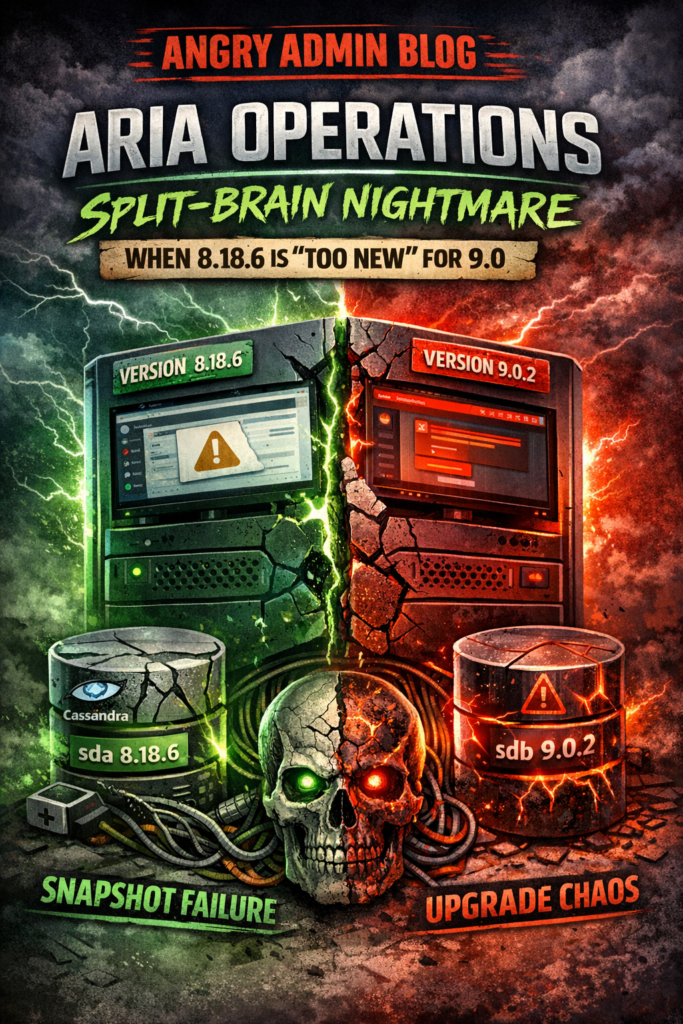
And sometimes a snapshot rollback turns your appliance into a half-old, half-new infrastructure monster that looks alive from the outside but is absolutely broken underneath.
This was one of those days.
What started as a routine VMware Aria Operations upgrade ended with a broken Admin UI, mismatched internal states, a Sev 1 support case, and one very nasty surprise from GSS:
Aria Operations 8.18.6 was effectively too new to upgrade to 9.0.2.
Yes. Really.
If you work with vSphere, VCF, or VMware appliances in general, this is exactly the kind of thing that can ruin your day if you trust snapshots more than you should.
🚀 Follow Me on X – New Account
My previous X account @AngrySysOps was suspended.
I am continuing the same tech, cybersecurity, and engineering discussions under a new handle.
Follow @TheTechWorldPod on X for daily insights, threads, and podcast updates.
The Problem: A Routine Upgrade That Wasn’t
The environment was running Aria Operations 8.18.6.
The plan was simple enough: upload and stage the 9.0.2 PAK file and move forward with the upgrade.
The package used was:
vRealizeOperationsManagerEnterprise-902025137843
At first, everything looked normal. The installer entered the DEPLOY_NEW_UPGRADE_CONTENT phase and appeared to be progressing as expected.
Then it failed with this:
Manifest file: "/storage/db/pakRepoLocal/vRealizeOperationsManagerEnterprise-900024695814/manifest.txt" does not exist--exiting
Exit code: 1
Not great, but still within normal “this is why we take snapshots” territory.
So I reverted the VM snapshot in vCenter and expected to land safely back on 8.18.6.
That is when things got ugly.
The Split-Brain Symptoms
After the snapshot revert, the main UI came back.
That gave just enough hope to waste even more time.
Because while the primary UI was reachable, the Admin UI at /admin was completely broken.
The symptoms were all over the place:
- Cluster Management was throwing a massive
java.lang.NullPointerExceptionincatalina.out - Software Update still showed the Install Software Update button
- But the node list and current version details were completely blank
- Internal state checks were reporting contradictory information
The appliance was clearly not healthy, but it was not fully dead either.
Which made it worse.
Looking deeper into the CaSA side of the platform showed a complete mess:
- Cluster state: INITIALIZED
- Node state: CONFIGURED
- Internal HSQLDB state: ONLINE
So the appliance had basically entered a state where different internal components no longer agreed on what reality looked like.
Classic split-brain behavior.
🚀 Follow Me on X – New Account
My previous X account @AngrySysOps was suspended.
I am continuing the same tech, cybersecurity, and engineering discussions under a new handle.
Follow @TheTechWorldPod on X for daily insights, threads, and podcast updates.
The Recovery Attempts
At that point, I dropped into CLI mode and started forcing the issue.
I manually removed the leftover PAK content, including around 5.3 GB of staged update files.
I stopped the vmware-vcops service.
Then I used the internal Python utility to force the slice offline:
/usr/lib/vmware-python-3/bin/python /usr/lib/vmware-vcopssuite/utilities/sliceConfiguration/bin/vcopsConfigureRoles.py --action=bringSliceOffline --offlineReason="Forced offline"
I also manually edited roleState.properties and set:
sliceonline=false
After that, I restarted vmware-casa.
Still nothing.
The Admin UI refused to repopulate node details, and the appliance remained stuck in a weird half-alive state.
At this point it was obvious this was no longer a simple failed upgrade or a UI bug.
Something deeper had broken.
The Root Cause: The Snapshot Only Rolled Back Half the Appliance
This is where the real problem revealed itself.
The VMware snapshot did not fully protect the appliance state.
Aria Operations separates the operating system from the backend data volumes. That distinction matters a lot.
Disk layout
- sda (20 GB) – OS disk containing binaries
- sdb (250 GB LVM) – data disk containing:
/storage/db/storage/log/storage/core
That second disk is where the important state lives, including the backend databases and upgrade-impacting data structures.
When I reverted the snapshot, the OS disk rolled back.
But the data disk did not roll back cleanly with it.
That left me with a Frankenstein appliance:
- 8.18.6 binaries on the OS layer
- Partially upgraded 9.0.2-era database state on the data layer
So the node booted, but the old codebase was now trying to interpret newer internal database structures.
That is why the Admin UI broke.
That is why CaSA started behaving irrationally.
That is why the appliance looked partially operational while being fundamentally corrupted underneath.
The Final Blow: 8.18.6 Was “Too New” for 9.0.2
Once it became clear this was beyond local recovery, I generated an offline support bundle:
python /usr/lib/vmware-vcopssuite/utilities/bin/generateSupportBundle.py
Then I opened a Sev 1 case with Broadcom support.
And that is when the real twist landed.
According to GSS, this upgrade path should not have been attempted in the first place.
The reason was surprisingly brutal.
Aria Operations 8.18.6 was released as an emergency out-of-band security patch. Because of that, its internal build and schema state were effectively newer in key areas than what the base 9.0.x installer expected.
So while 9.0.2 looks newer on paper, it was not actually a supported upgrade destination from 8.18.6.
That means this was not just a failed upgrade.
It was a failed upgrade on a path that was not valid to begin with.
The guidance from support was clear:
wait for the next release train that properly absorbs 8.18.6
In practice, that meant waiting for VCF 9.1.
Because the installer had already touched the data volume, and because I only had a snapshot instead of a proper full backup, the node was considered unrecoverable.
The result?
Fresh deployment.
No shortcut. No magic fix. No rollback salvation.
What This Disaster Actually Teaches
This was a painful reminder that modern VMware appliances are not simple VMs.
They are stateful multi-disk platforms with internal databases, services, upgrade logic, and assumptions that can absolutely punish you if you treat them like a normal guest VM.
And once the internal state gets split between two timelines, things go sideways fast.
🚀 Follow Me on X – New Account
My previous X account @AngrySysOps was suspended.
I am continuing the same tech, cybersecurity, and engineering discussions under a new handle.
Follow @TheTechWorldPod on X for daily insights, threads, and podcast updates.
AngrySysOps Takeaways
1. Snapshots are not backups
This is the biggest lesson.
If the appliance uses separate data disks, a snapshot may not save you the way you think it will. A partial rollback is often worse than no rollback because it creates a false sense of safety while leaving the backend state corrupted.
For major lifecycle work, take a real image-level backup that protects all appliance disks, not just the OS.
2. Always verify the actual supported upgrade path
Do not assume version numbers tell the whole story.
Just because 9.0 is numerically higher than 8.18 does not mean the upgrade path is valid.
Security hotfixes and out-of-band releases can change the internal reality in ways that break the expected upgrade logic.
Check the release notes. Check the upgrade matrix. Check again.
3. When the UI starts lying, trust the CLI
Once the Admin UI stops making sense, the shell becomes your best friend.
Service status, logs, CaSA state, internal utilities — that is where the truth is.
The web interface may still load. That does not mean the appliance is healthy.
Final Thoughts
This one was brutal because it looked recoverable right up until the moment it wasn’t.
- Upgrade failed
- Snapshot revert completed
- Main UI loaded
- Appliance booted
On paper, that sounds salvageable.
In reality, the node had an OS from one timeline and a data layer from another.
That is how you end up with an Aria Operations appliance that is technically online, partially responsive, and completely cursed.
If you have ever been burned by a failed rollback, partial snapshot protection, or a “supported” upgrade that turned out not to be supported after all, you already know the feeling.
Infrastructure has a way of humbling you when you get just a little too confident.
Have you hit something similar?
Have you ever seen a VMware appliance come back from snapshot revert looking alive but acting completely broken underneath?
Drop your war story in the comments.
🚀 Follow Me on X – New Account
My previous X account @AngrySysOps was suspended.
I am continuing the same tech, cybersecurity, and engineering discussions under a new handle.
Follow @TheTechWorldPod on X for daily insights, threads, and podcast updates.