Introduction
PowerCLI has long established itself as one of the most trusted and widely adopted automation tools across VMware environments. With over 1.5 to 2 million downloads annually, its impact is significant and measurable. (You can verify these numbers on the PowerShell Gallery.)
The effectiveness of PowerCLI is rooted in two key strengths:
- PowerShell Foundation – PowerCLI offers a powerful CLI experience with access to rich programming constructs.
- API Abstraction – It simplifies VMware’s complex APIs into consistent and intuitive cmdlets using the Verb-Noun syntax.
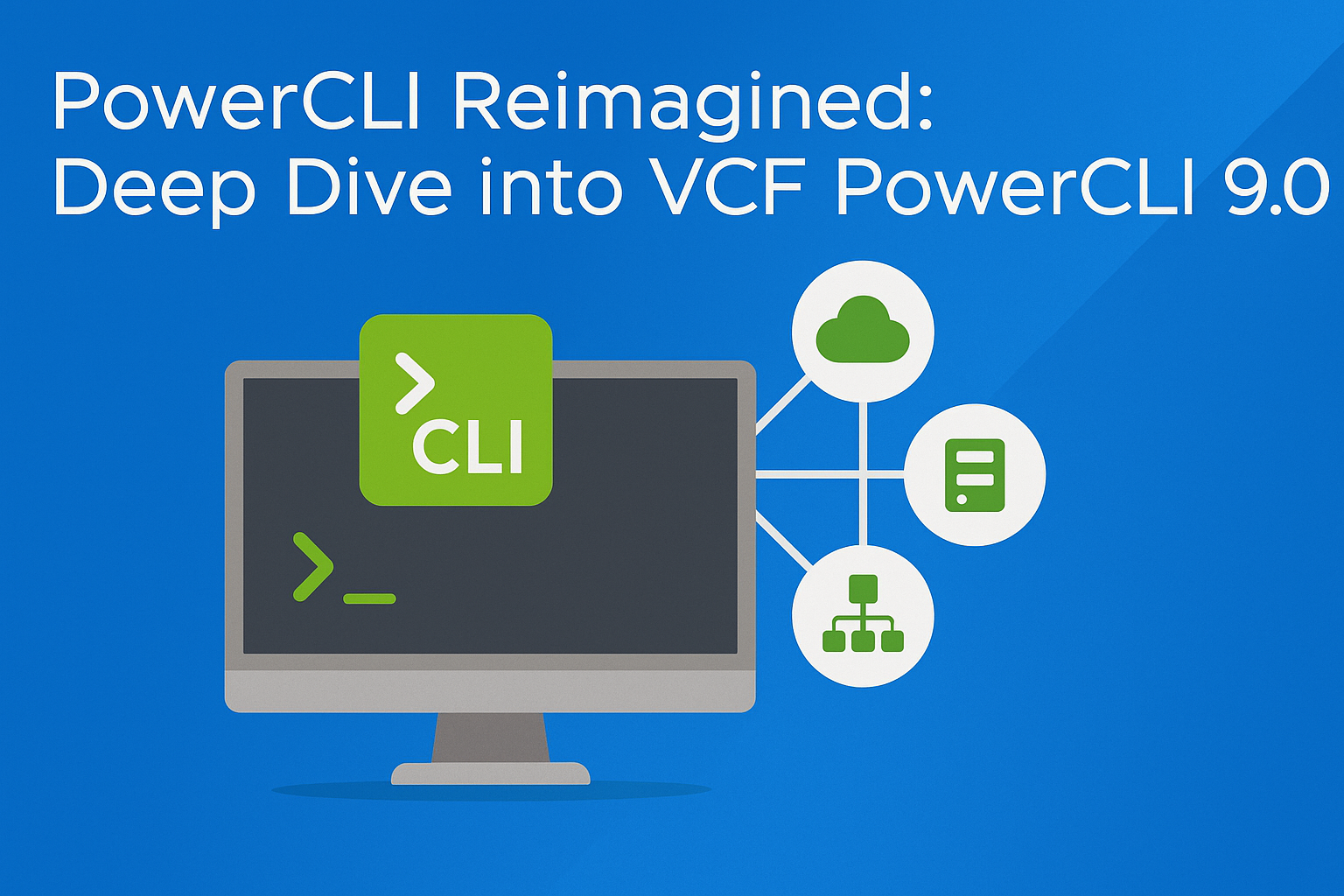
With the release of VCF PowerCLI 9.0 (formerly VMware PowerCLI), this critical tool evolves in name, performance, and functionality to align with the VMware Cloud Foundation (VCF) lifecycle.
What’s New in VCF PowerCLI 9.0
This release introduces:
- Performance enhancements
- New modules (NSX VPC & SDDC Manager)
- Improved usability and SDK
- Global Authorization API support
- Numerous bug fixes
Refer to the VCF 9.0 Release Notes for the full list.
Highlights
| Feature | Description |
|---|---|
| Performance | Rewritten cmdlets using .NET for faster execution |
| NSX VPC Module | Create & manage Virtual Private Clouds |
| SDDC Manager Module | Interact with SDDC components directly via PowerCLI |
| PowerCLI SDK Enhancements | Streamlined experience with improved discovery cmdlets |
| Global Authorization APIs | Manage roles, permissions, and privileges programmatically |
Performance Enhancements
Script vs. Compiled Cmdlets
PowerCLI cmdlets are developed either as:
- Script-based: Flexible, but interpreted at runtime (slower)
- .NET-based: Precompiled, statically typed classes (faster)
On Windows Server 2025:
VMware.PowerCLIimport time: ~1 minVCF.PowerCLI: ~18 seconds
Repackaged Submodules
Fewer .psm1, .psd1, and .dll files mean:
- Less memory usage
- Faster module imports
- Better I/O performance
NSX Virtual Private Cloud (VPC) Module
What is a VPC?
A VPC is a logically isolated subnet grouped under an NSX Project.
| Subnet Type | Description |
| Private – VPC | Isolated inside VPC only (requires NAT for external access) |
| Private – Transit Gateway | Enables inter-VPC connectivity without NAT |
| Public | Accessible externally and from other VPCs |
Example: Create VPC for App “Holodeck”
$subnetRequired = @('Web','App','DB')
New-Vpc -Name "Holodeck-Vpc" -PrivateIp "192.168.0.0/24" -Description "PowerCLI 9.0 Demo, VPC!"
$vpc = Get-Vpc -Name "Holodeck-Vpc"

foreach($subnet in $subnetRequired) {
   New-VpcSubnet -Vpc $vpc -Name $subnet -AccessMode Private -DhcpMode Server
}

Get-VM -Name 'HoloDeck-vpc-App' | Get-NetworkAdapter | Set-NetworkAdapter -Subnet 'App' -Confirm:$false
Get-VM -Name 'HoloDeck-vpc-Web' | Get-NetworkAdapter | Set-NetworkAdapter -Subnet 'Web' -Confirm:$false
Get-VM -Name 'HoloDeck-vpc-DB' | Get-NetworkAdapter | Set-NetworkAdapter -Subnet 'DB' -Confirm:$false
SDDC Manager Module
Getting Started
Connect-VcfSddcManager -Server sddcmanager-a.site-a.vcf.lab -User 'administrator@vsphere.local'Core Cmdlets
Get-SddcCluster
Get-SddcDomain
Get-SddcHost
Get-SddcVcenter
For full API parity, use the VMware.Sdk.Vcf.SddcManager module.
PowerCLI SDK Enhancements
Why It Matters
When VCF releases a new feature, high-level cmdlets can lag. The SDK fills that gap with auto-generated cmdlets from OpenAPI specs.
Cmdlet Syntax
| Verb | Purpose |
Initialize- | Client-side data structure setup |
Invoke- | Executes server-side API operations |
Example: Create Tag
$TaggingCategoryCreateSpec = Initialize-TaggingCategoryCreateSpec -Name "Holodeck" -Description "Tag category for folders" -Cardinality "SINGLE" -AssociableTypes "Folder"
$tagCategoryID = Invoke-CreateCategory -TaggingCategoryCreateSpec $TaggingCategoryCreateSpec

$TaggingTagCreateSpec = Initialize-TaggingTagCreateSpec -Name "Holodeck-App" -Description "App tag" -CategoryId $tagCategoryID
$tagID = Invoke-CreateTag -TaggingTagCreateSpec $TaggingTagCreateSpec
Discovery Cmdlets
| Cmdlet | Module |
Get-NsxOperation | VMware.Sdk.Nsx.Policy |
Get-SrmOperation | VMware.Sdk.Srm |
Get-VcfInstallerOperation | VMware.Sdk.Vcf.Installer |
Get-VcfOpsOperation | VMware.Sdk.Vcf.Ops |
Get-VcfSddcManagerOperation | VMware.Sdk.Vcf.SddcManager |
Get-vSphereOperation | VMware.Sdk.vSphere |
Global Authorization API Bindings
| Component | Cmdlet | Description |
| Privileges | Invoke-VcenterAuthorizationPrivilegesList | Lists all vCenter privileges |
| Roles | Invoke-VcenterAuthorizationRolesCreate | Creates new roles |
| Permissions | Invoke-VcenterAuthorizationPermissionsCreate | Grants roles to users/groups |
This API support enables end-to-end programmatic management of vSphere roles and privileges—a long-requested feature.
Bug Fixes
Numerous bug fixes have been included in this release. For complete details, refer to the Release Notes.
Installation & Upgrade
As this is a renamed module:
Uninstall-Module VMware.PowerCLI
Install-Module VCF.PowerCLI
Refer to official documentation for upgrade best practices.
Conclusion
VCF PowerCLI 9.0 delivers on multiple fronts:
- Performance and architectural optimizations
- Expanded support for VPC and SDDC management
- Immediate API access via SDK
- Automation for vSphere role management
Whether you’re managing traditional vSphere clusters or full VCF deployments, this release ensures you have a modern, efficient, and reliable toolset.
Resources
- VCF PowerCLI 9.0 – Home Page
- VCF PowerCLI 9.0 – Download
- Release Notes
- What’s New in VCF PowerCLI 9.0
- Changelog
- API SDK Usage
- Examples: Rotating Credentials, Auditing, Tags
Subscribe to the channel: youtube.be/@AngryAdmin 🔥
🚨Dive into my blog: angrysysops.com
🚨Snapshots 101: a.co/d/fJVHo5v
🌐Connect with us:
- 👊Facebook: facebook.com/AngrySysOps
- 👊X: twitter.com/AngrySysOps
- 👊My Podcast: creators.spotify.com/pod/show/angrysysops
- 👊Mastodon: techhub.social/@AngryAdmin
💻Website: angrysysops.com
🔥vExpert info: vExpert Portal